Skip to content

How to Automate Follow-Up Calls With AI (Step-by-Step)

Featured Image

Executive Summary

Manually executing follow-up phone calls for lead qualification, payment reminders, or customer check-ins is a major operational bottleneck that drives up labor costs and causes massive pipeline drop-offs. Transitioning to an automated system allows enterprises to reach out to contacts instantly based on real-time triggers in their CRM data layers. This practical deployment guide details the step-by-step technical architecture needed to build a zero-lag outreach workflow: mapping out conversational intent, syncing backend database systems via secure APIs, automating data logging, and configuring warm handoffs to live teams. This allows companies to scale up their customer engagement and lower handle times without expanding headcount.
Every sales director and customer experience manager faces the exact same resource drain: the manual follow-up queue.

Your marketing campaigns capture hot leads, or your billing systems flag accounts with outstanding balances. These records land directly in your CRM, waiting for a human representative to pick up a phone and dial. Then the friction begins. Your highly paid sales professionals spend hours navigating voicemail inboxes, dealing with wrong numbers, and getting disconnected, rather than having the high-value conversations that actually close deals.

When you leave follow-up calls to manual pipelines, you pay a steep price in speed-to-lead latency. A prospective buyer who fills out a web form at 8:00 PM does not want to wait until midday tomorrow for a callback. They are looking for answers right away, and a delayed response usually means they wander over to a competitor.

Moving past this bottleneck requires a change in strategy. Learning how to automate follow-up calls with AI allows you to build an outreach pipeline that runs around the clock, reacts to consumer actions instantly, and handles routine front-end filtering before a human teammate ever sets foot in the office.

Here is your practical, step-by-step deployment blueprint to set up an automated voice pipeline in your business.

Step 1: Define Your Outbound Trigger Event

An automated voice outreach campaign should never run on blind, cold data drops. To maintain high engagement rates and keep your brand in good standing, your calls must be highly relevant and contextual. That relevance begins with establishing a clean trigger structure inside your CRM or customer database.

You need to pinpoint the exact digital action that should instantly launch a call. Common enterprise triggers include:

• The Marketing Hand-off: A web user completes a high-intent form submission on your landing page, such as requesting a customized enterprise pricing quote or asking for a product walkthrough.

• The Payment Lifeline: An account balance passes its official maturity date by 48 hours, causing your billing infrastructure to update the record status to “Overdue.”

• The Lifecycle Check-in: A customer service ticket is marked “Resolved” in your help desk, which automatically prompts a 24-hour delayed check-in call to verify satisfaction.

When a trigger fires, your system must immediately pack the essential contact variables into a secure data object, including the customer’s first name, local time zone, purchased product line, and historical language preferences.

Step 2: Map the Conversational Flow and Fallback Nodes

Once your data triggers are ready, you need to sketch out the conversational boundaries for your digital voice assistant. Modern conversational engines do not operate on flat, rigid script blocks that break the moment a speaker says something unexpected. Instead, they navigate conversations using dynamic intent mapping.

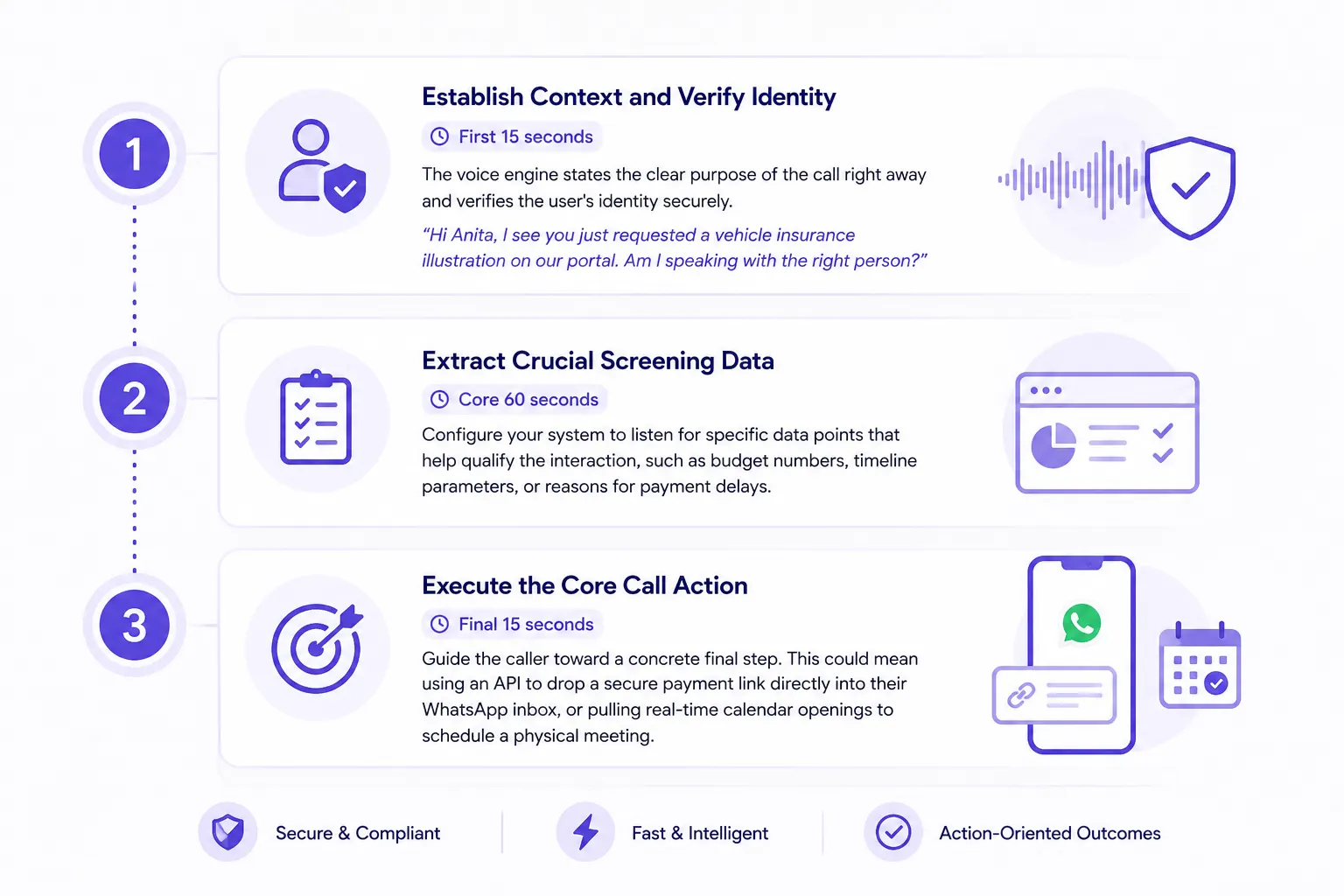
When you draft your interaction paths, organize the flow into three main layers:

Define Your Outbound Trigger Event

Always build in natural conversational exceptions. If a customer interrupts the system mid-sentence or states they are driving and cannot talk, the AI must instantly note the preference, wrap up the call politely, and schedule a text-based confirmation or a callback for later.

Step 3: Connect Your Technical Stack via Secure APIs

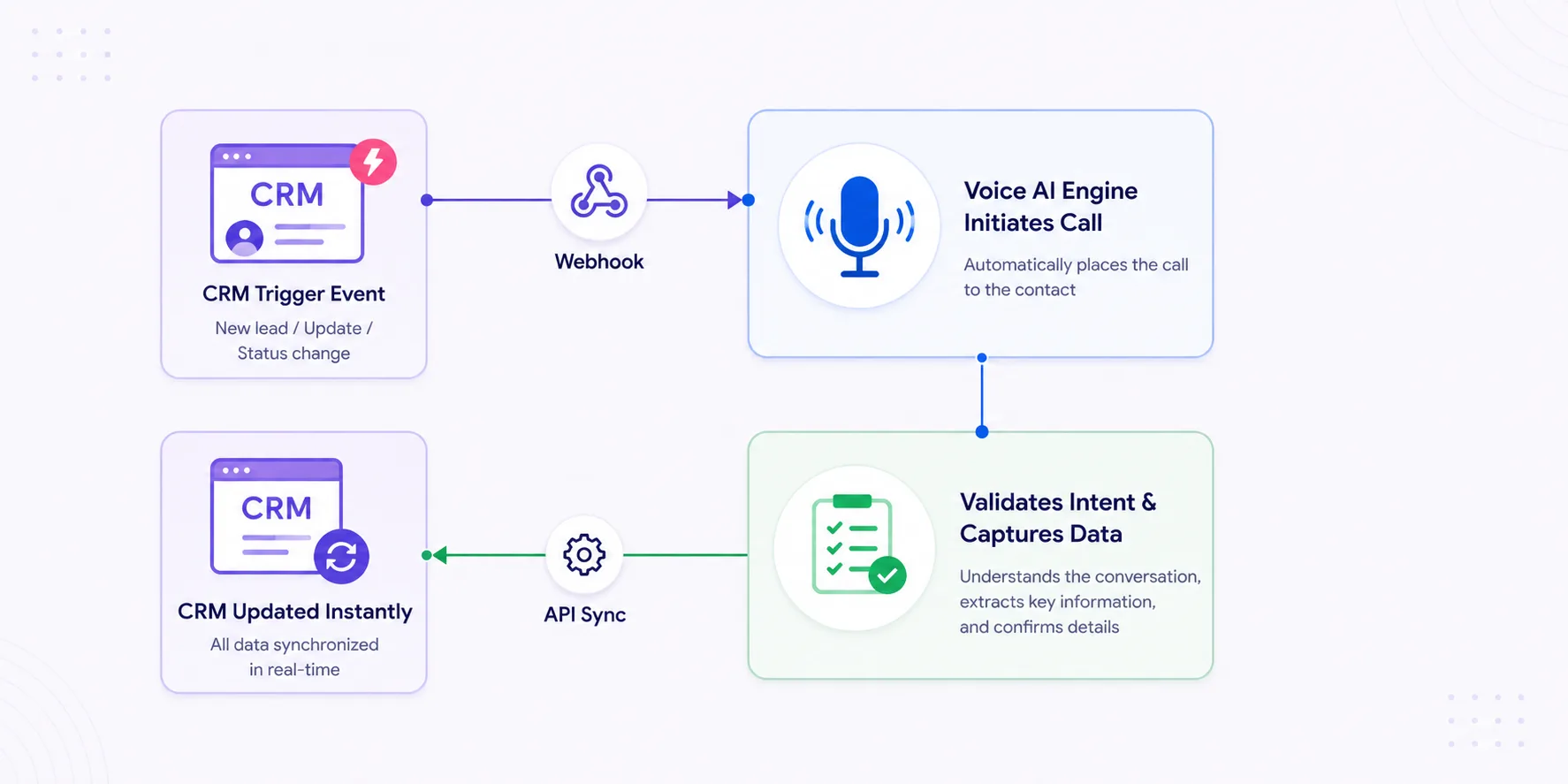
With your data triggers ready and your conversational flows mapped, it is time to build the data bridge that connects your customer database to your voice automation engine. This link is built using secure, low-latency APIs and webhooks.

Connect Your Technical Stack via Secure APIs

When an event triggers in your CRM (like Salesforce, HubSpot, or a proprietary backend tool), a webhook dispatches a payload to your voice engine, prompting it to call the number immediately.

While the call is in progress, the voice assistant uses low-latency API connections to pull relevant client context on the fly, ensuring it can quote exact balance amounts or reference past interactions accurately.

Step 4: Automate Post-Call CRM Records and Handoffs

The work does not stop when the call disconnects. The true power of automating your outreach lies in how the system cleans up and organizes your data after the fact.

The moment a call ends, your voice engine should execute a structured data cleanup workflow:

• Structured Data Uploads: The system writes a clean summary of the call, complete with calculated customer sentiment scores and confirmed profile fields, directly back into your CRM record.

• Downstream Channel Triggers: If a user confirms during the call that they want to look over a pricing breakdown, the engine tells your messaging servers to instantly fire off that specific PDF file through SMS or email.

• Warm Human Handoffs: If a customer raises a complex objection that requires human touch, the platform hands the conversation off to a live representative, pushing the full interaction history to their screen so the customer never has to repeat themselves.

Build an Instant, Automated Pipeline

Replacing manual, spreadsheet-driven dialing queues with automated voice workflows eliminates the costly latency that drains your sales pipeline and limits business growth. In a fast-paced market where consumers value their time above all else, speed and consistency are your most critical competitive advantages. Learning how to automate follow-up calls with AI allows your business to engage every lead, renewal, and past-due account at the exact moment of peak relevance, 24/7.

By standardizing your front-end discovery, cleaning up your CRM logs via secure integrations, and prioritizing human time for high-value negotiations, you build a lean, highly efficient operational framework. The companies that scale their outreach through intelligent conversation will consistently stay ahead of the competition.

What Rootle Does Differently for Follow-up Automation

Rootle is a voice AI platform built for enterprises that demand more than just automated dialing. While legacy systems stop at playing recordings or basic speech-to-text, Rootle acts as an intelligent extension of your workforce. By combining Agentic AI with real-time system integration, Rootle doesn’t just “talk” to your customers—it executes tasks, resolves queries, and moves the needle on your core business metrics, from DSO reduction to lead conversion.

Conversational Accuracy: Uses advanced speech processing to interpret complex, unstructured human dialogue rather than relying on rigid keypad menus or static scripts.

Fluid Multi-Dialect Capabilities: Switches languages and regional accents instantly mid-sentence without dropping the context of the conversation.

Direct Core System Syncing: Connects natively to enterprise CRMs to log interactions, update custom records, and trigger secondary channels dynamically.

Rapid Ecosystem Deployment: Integrates through secure APIs using pre-configured, industry-specific compliance templates to go live within a few weeks.

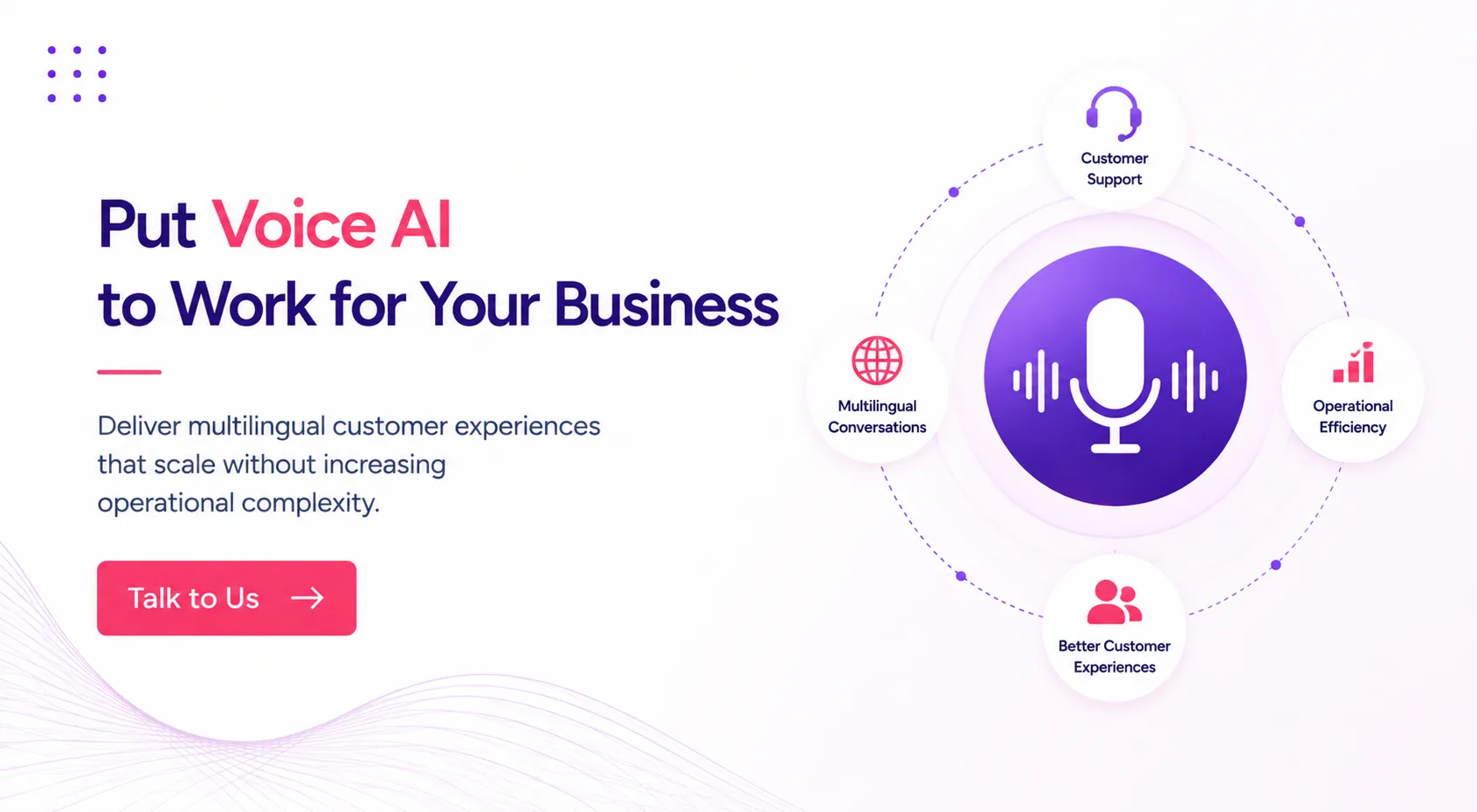
Hero banner promoting Voice AI for business, with a central purple microphone and circular icons for Support, Multilingual Conversations, Operational Efficiency, and Better Customer Experiences.

FAQs: Voice AI for Arfter-Hours

1. How does an automated voice system handle calls that hit an answering machine or a network voicemail?

Answering machines are a major source of wasted time for manual teams, but automated voice platforms handle them efficiently using built-in Answering Machine Detection (AMD). The system analyzes the audio frequency patterns during the first few seconds of a connection to figure out if it is talking to a live human or a automated greeting.

If it detects a voicemail box, the system drops off the line instantly without wasting your minutes, notes the outcome in your database, and queues the record for a retry later. Alternatively, you can configure it to leave a clear, personalized voice message detailing the reason for the call alongside a convenient return contact number.

2. Can we use an automated call pipeline if our business has to follow strict local compliance and telemarketing laws?

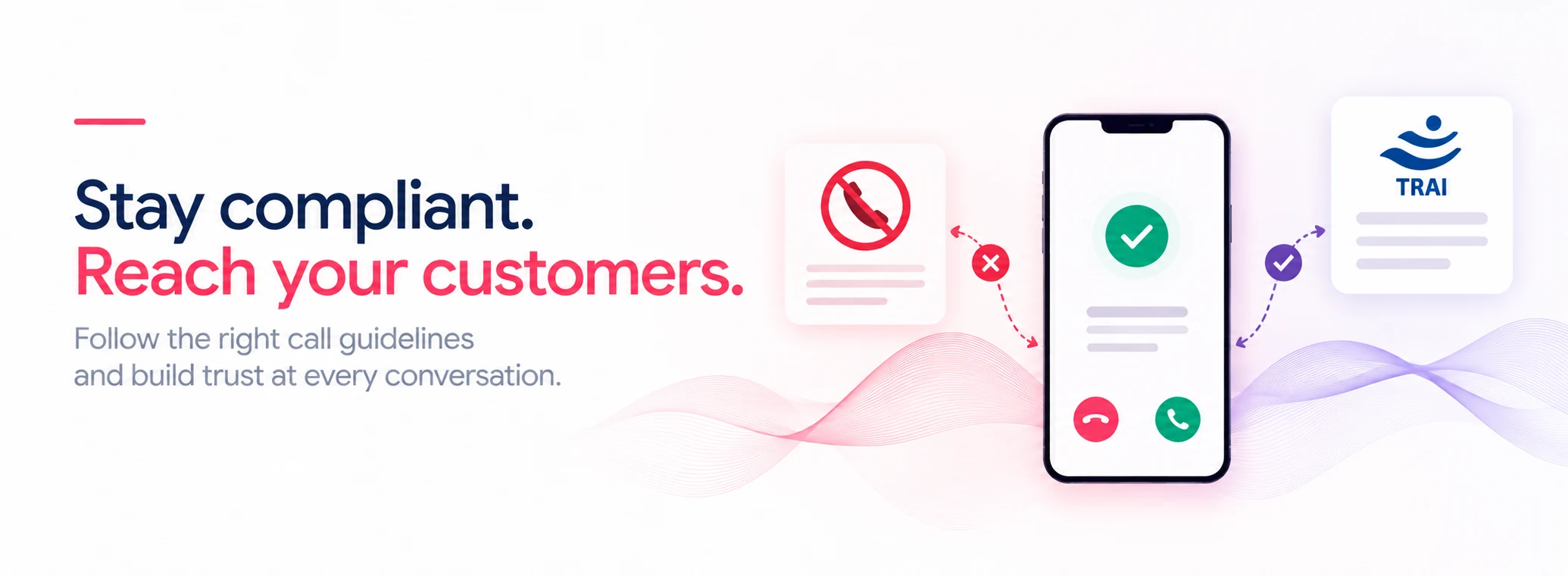
Yes, keeping your workflows compliant is a core requirement when you scale up any automated voice outreach. Enterprise-grade voice engines include built-in compliance protections that sit directly within your calling workflow.

The system automatically references your customer lists against national Do-Not-Call (DNC) or Do-Not-Disturb (DND) registries before dialing out. It also enforces strict regional calling windows (like keeping dials between 9:00 AM and 8:00 PM) and includes verbal opt-out pathways inside the conversation script, keeping your outreach scale safe and within legal boundaries.

3. How does Rootle stay locked onto the conversation context if a customer changes their mind or switches topics mid-call?

Rootle is built around advanced Natural Language Understanding (NLU) rather than simple keyword matches or predictable script trees. It processes the whole meaning of a sentence at once.

If a customer is halfway through an automated appointment booking and suddenly asks an unexpected question about your return policy, Rootle pauses the booking flow, provides the exact policy details from your documentation warehouse, and then guides the speaker naturally back to the calendar selection. This conversational flexibility keeps the call moving forward smoothly and protects your completion rates.

4. What kind of engineering resources and time do we need to set up Rootle with our current software tools?

Rootle is engineered to eliminate long, painful IT setup cycles. The platform links to popular CRM tools, databases, and enterprise platforms right out of the box using secure webhooks and standard APIs.

Because Rootle features pre-built conversational blueprints designed around common business use cases like scheduling tours, qualifying leads, and handling renewals, your operational teams can easily map out custom voice paths, check data integrations, and launch live lines within a few weeks instead of waiting months for custom engineering.

5. How do you make sure automated voice calls don't feel cold or artificial to a high-value customer?

The cold feel of old-fashioned automation usually comes down to high system latency and robotic speech patterns. Modern platforms fix this by operating with sub-second response times, which keeps the flow of talk feeling human and natural.

The system supports natural barge-in, meaning a customer can speak up or interrupt at any moment just like they would with a real person, and the system stops talking instantly to listen. When you combine that responsiveness with deep CRM data integration—allowing the system to naturally reference real past details—the interaction feels like a high-quality, professional customer service call.

Jugal Bhavsar
Jugal Bhavsar
Chief Technology Officer

Jugal Bhavsar possesses a deep expertise in data science, analytics, and AI-driven product engineering. He leads the development of robust voice AI systems that power intelligent, conversational automation and enhance enterprise customer and candidate engagement.

Recent Blogs

Why Multilingual Voice AI in Regional Languages Is the Future of Customer Support
The Rise of Multilingual Voice AI: Tamil, Telugu, Marathi and Regional Trends Businesses Need Now